Google Ads: What Is It, How It Works & How to Create Your First Campaign
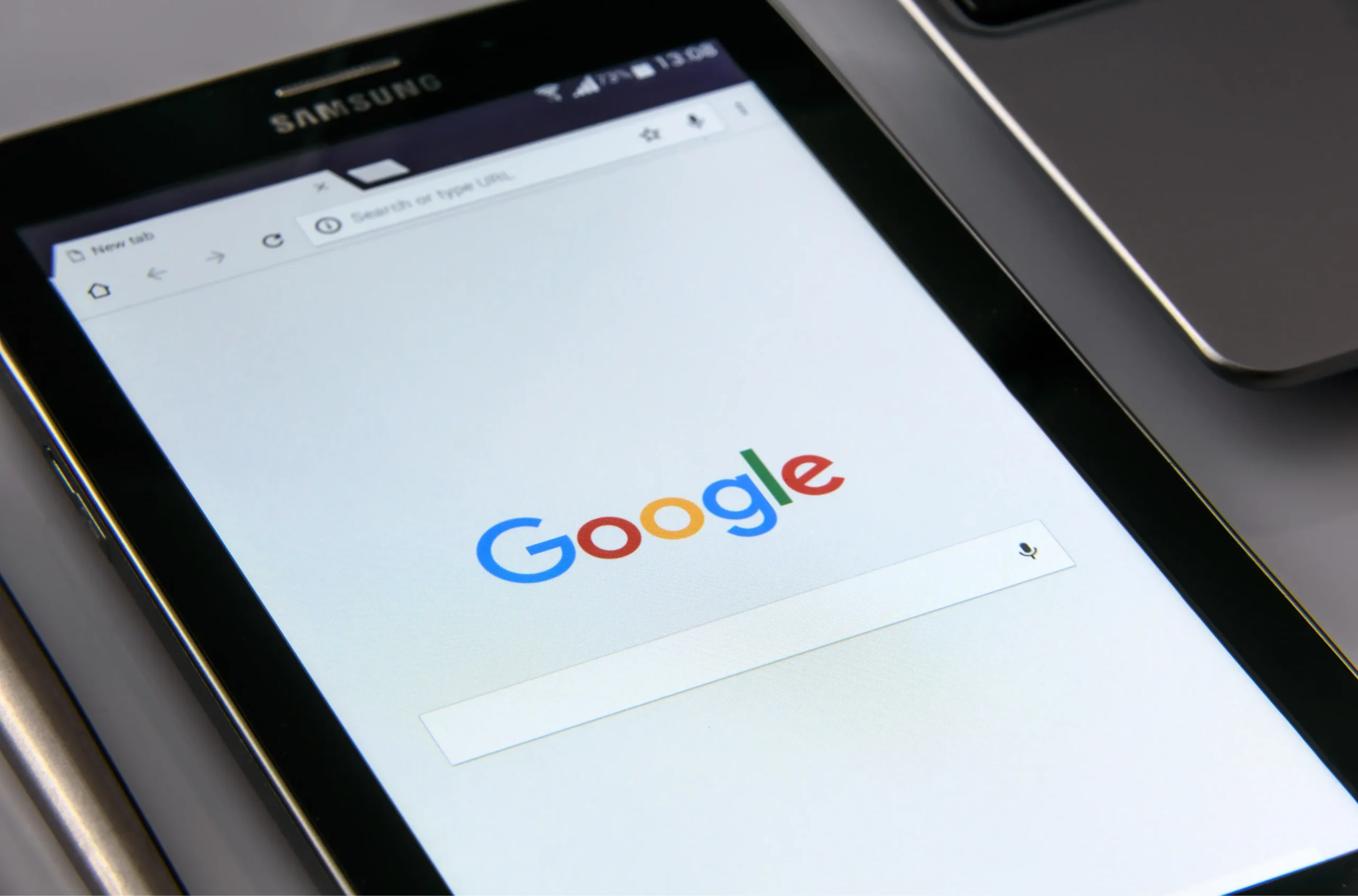
When people search for a product or service on Google, businesses want their websites, offers, or services to appear at the right moment. Google Ads helps businesses do exactly that by allowing them to advertise across Google’s search results and other Google properties.
Whether you are a small business owner, marketer, startup, or beginner, understanding how Google Ads works can help you reach potential customers, generate leads, drive website traffic, and increase sales.
In this guide, we will explain what Google Ads is, how Google Ads works, the different types of Google Ads, how much Google Ads can cost, and how to create your first Google Ads campaign.
What Is Google Ads?
Google Ads is Google’s online advertising platform that allows businesses to display advertisements to people searching for relevant products, services, or information.
For example, if someone searches for “digital marketing agency in Nagpur,” businesses targeting that search term may have their advertisements displayed above or below the organic search results.
Google Ads can help businesses reach users based on factors such as:
- Search keywords
- Location
- Language
- Device
- Audience characteristics
- Interests and online behavior
- Previous interactions with a business
Unlike traditional advertising, Google Ads allows advertisers to target specific audiences and measure campaign performance.
How Does Google Ads Work?
Google Ads primarily works through an auction system. When someone performs a search that matches an advertiser’s targeting, Google determines which ads are eligible to appear and where they should be positioned.
The process generally involves:
Keyword → Search Query → Ad Auction → Ad Placement → User Click → Landing Page
Advertisers choose keywords, create advertisements, set targeting options, and establish a budget. When a relevant search occurs, Google evaluates eligible ads based on several factors.
These can include:
- Bid
- Ad quality
- Expected performance
- Relevance
- Landing page experience
- Competition
Importantly, having the highest bid does not automatically guarantee the top position. Google also considers the overall quality and relevance of the advertisement.
What Is a Google Ads Campaign?
A Google Ads campaign is a structured advertising setup where you define your advertising objective, targeting, budget, bidding strategy, and other settings.
Different campaigns can be created for different business goals.
For example:
- A local business can create a campaign to generate phone calls.
- An e-commerce store can create a campaign to increase online sales.
- A service business can create a campaign to generate leads.
- A company can use YouTube advertising to increase brand awareness.
Organizing campaigns properly makes it easier to manage budgets and measure performance.
Types of Google Ads
Google offers several advertising campaign types designed for different marketing objectives.
1. Search Ads
Search Ads appear when people search on Google using relevant keywords.
For example:
Best Digital Marketing Agency in Nagpur
A business targeting this keyword can create a Search campaign to reach users actively looking for digital marketing services.
Search Ads are particularly useful for:
- Lead generation
- Local services
- Professional services
- E-commerce
- High-intent searches
2. Display Ads
Display Ads appear across websites, apps, and other digital properties within Google’s advertising network.
They typically use visual formats such as banners and images.
Display campaigns can be useful for:
- Brand awareness
- Remarketing
- Product promotion
- Reaching broader audiences
3. Video Ads
Video advertising allows businesses to promote their products or services through video content, particularly on YouTube and other supported placements.
Video campaigns can help businesses:
- Build brand awareness
- Demonstrate products
- Educate potential customers
- Promote offers
- Reach specific audiences
4. Shopping Ads
Shopping Ads are designed primarily for businesses selling physical products online.
They can display information such as:
- Product image
- Product name
- Price
- Store information
This allows shoppers to compare products before visiting a website.
5. App Campaigns
App campaigns help businesses promote mobile applications across Google’s advertising ecosystem.
They can be used to encourage users to:
- Install an app
- Engage with an app
- Complete specific actions within an app
6. Performance Max Campaigns
Performance Max campaigns allow advertisers to access multiple Google advertising channels through a single campaign.
Depending on the campaign and available inventory, ads can appear across Google’s ecosystem, helping advertisers reach potential customers at different stages of the buying journey.
How to Create Your First Google Ads Campaign
Creating your first Google Ads campaign becomes much easier when you follow a structured process.
Step 1: Define Your Advertising Goal
Before creating a campaign, decide what you want to achieve.
Common goals include:
- Generate leads
- Increase website traffic
- Get phone calls
- Increase sales
- Generate store visits
- Increase brand awareness
Your goal should influence the campaign type, targeting, bidding strategy, and conversion tracking.
Step 2: Choose Your Campaign Type
Select the campaign type that best matches your objective.
For example, if people are actively searching for your service, a Search campaign can be a strong starting point.
If your goal is visual brand awareness, Display or Video advertising may be more appropriate.
Step 3: Select Your Target Location
Location targeting allows you to decide where your advertisements should appear.
A local business might target:
- A city
- Specific areas
- A state
- Multiple locations
For example, a local digital marketing agency could target users searching for its services in Nagpur.
Choosing the right location helps reduce irrelevant clicks and improve budget efficiency.
Step 4: Research Your Keywords
For Search campaigns, keyword research is one of the most important steps.
Start by identifying terms that potential customers are likely to search.
For example, a digital marketing agency might target keywords such as:
- Digital marketing agency
- Digital marketing services
- SEO agency
- Google Ads agency
- Social media marketing services
Consider search intent when selecting keywords. Someone searching for “what is digital marketing” may have a different intent from someone searching for “digital marketing agency near me.”
Step 5: Choose Keyword Match Types
Google Ads provides different keyword matching options that help advertisers control which searches can trigger their advertisements.
The main match types include:
- Broad match
- Phrase match
- Exact match
Understanding match types can help advertisers balance reach and relevance.
You should also regularly review search terms and add irrelevant queries to your negative keyword list when appropriate.
Step 6: Write Your Ad
Your advertisement should clearly communicate why someone should choose your business.
A strong Search Ad can include:
- Relevant keywords
- A clear value proposition
- Benefits
- A call to action
- Relevant services or offers
For example:
Headline: Digital Marketing Agency in Nagpur
Headline: SEO & Google Ads Services
Description: Grow your business with result-focused digital marketing, SEO and paid advertising solutions.
Avoid making misleading claims. Your advertisement should accurately represent the service or product available on your landing page.
Step 7: Create a Relevant Landing Page
Getting a click is only the beginning.
The landing page should closely match the advertisement and provide visitors with the information they need.
A good landing page should generally have:
- A clear headline
- Relevant content
- Easy navigation
- Strong call to action
- Contact information
- Fast loading performance
- Mobile-friendly design
- Trust signals
For example, an advertisement for SEO services should ideally send users to a relevant SEO service page rather than an unrelated homepage.
Step 8: Set Your Budget
Google Ads allows advertisers to establish campaign budgets according to their advertising goals.
Your budget should depend on factors such as:
- Industry
- Competition
- Keyword costs
- Target location
- Conversion value
- Marketing objectives
Instead of selecting a budget only because it is inexpensive, consider how much a qualified lead or customer is worth to your business.
Step 9: Select a Bidding Strategy
Your bidding strategy determines how Google optimizes your advertising spend.
Depending on the campaign and objective, bidding strategies can focus on goals such as:
- Clicks
- Conversions
- Conversion value
- Visibility
- Return on advertising spend
The right strategy depends on your campaign data and business objective.
Step 10: Set Up Conversion Tracking
Conversion tracking is essential for understanding whether your Google Ads campaign is actually producing business results.
Conversions might include:
- Form submissions
- Phone calls
- Purchases
- Appointment bookings
- Sign-ups
- WhatsApp inquiries
- App installations
Without reliable conversion tracking, it can be difficult to determine which campaigns, keywords, or advertisements are generating meaningful results.
How Much Does Google Ads Cost?
There is no single fixed price for Google Ads.
The amount you spend depends on factors such as:
- Keyword competition
- Industry
- Location
- Target audience
- Campaign type
- Bidding strategy
- Ad quality
- Budget
Google Ads generally uses an auction-based system, and advertisers may pay when users interact with their advertisements depending on the campaign and bidding setup.
For businesses, the more important question is not simply “How much does Google Ads cost?” but rather:
“How much does it cost to acquire a customer?”
For example, spending ₹10,000 on advertising may be worthwhile if it produces significantly more revenue than the advertising investment.
Google Ads vs SEO
Google Ads and SEO both help businesses appear on Google, but they work differently.
| Google Ads | SEO |
|---|---|
| Paid advertising | Organic search visibility |
| Can generate visibility quickly | Usually takes longer to build |
| Requires advertising budget | Doesn’t require payment for each organic click |
| Advertiser controls targeting and budget | Rankings depend on search engine algorithms |
| Stops generating paid traffic when campaigns stop | Can continue generating organic traffic after rankings are established |
For many businesses, combining Google Ads and SEO can create a stronger overall search marketing strategy.
Google Ads can help generate immediate visibility while SEO focuses on building sustainable organic traffic over time.
Benefits of Google Ads
Google Ads can offer several advantages to businesses.
Targeted Reach
Businesses can target specific keywords, locations, audiences, and other parameters.
Measurable Performance
Advertisers can monitor metrics such as:
- Impressions
- Clicks
- Click-through rate
- Cost per click
- Conversions
- Cost per conversion
- Conversion value
Flexible Budget
Businesses can adjust campaign budgets according to performance and objectives.
High Search Intent
Search advertising can reach people who are actively looking for specific products or services.
Faster Visibility
Unlike SEO, which can take time to build rankings, paid advertising can provide visibility once campaigns are approved and running.
Common Google Ads Mistakes to Avoid
Running Google Ads does not automatically guarantee results. Poor campaign setup can waste advertising budget.
Some common mistakes include:
Targeting Too Broadly
Broad targeting without sufficient control can result in irrelevant traffic.
Ignoring Search Terms
Regularly reviewing search terms can help identify irrelevant searches and opportunities for optimization.
Sending All Traffic to the Homepage
A dedicated landing page is often more relevant than a generic homepage.
Not Tracking Conversions
Without conversion tracking, you may not know which campaigns are actually generating results.
Focusing Only on Clicks
A large number of clicks does not necessarily mean a successful campaign. The quality of traffic and resulting conversions matter more.
Not Optimizing Campaigns
Google Ads campaigns should be reviewed regularly. Performance data can help identify opportunities to improve keywords, advertisements, targeting, bidding, and landing pages.
How to Improve Google Ads Performance
Once your campaign is running, optimization becomes an ongoing process.
You can improve performance by:
- Reviewing search terms regularly.
- Adding relevant negative keywords.
- Testing different ad messaging.
- Improving landing pages.
- Monitoring conversion rates.
- Reviewing location performance.
- Analyzing device performance.
- Adjusting budgets based on results.
- Testing different bidding strategies when appropriate.
- Focusing on profitable conversions rather than clicks alone.
Frequently Asked Questions About Google Ads
Is Google Ads free?
No. Google Ads is a paid advertising platform. Advertisers set budgets and pay based on interactions or other campaign-specific billing mechanisms.
Is Google Ads good for small businesses?
Yes. Small businesses can use Google Ads to target specific locations, services, keywords, and audiences. A carefully controlled campaign can help a local business reach potential customers without advertising to an unnecessarily broad audience.
How quickly can Google Ads generate results?
Google Ads can provide visibility relatively quickly once a campaign is approved and begins serving. However, generating consistent conversions depends on factors such as targeting, competition, budget, ad quality, landing page experience, and the product or service being promoted.
What is the difference between Google Ads and SEO?
Google Ads provides paid visibility, while SEO focuses on improving organic search visibility. Many businesses use both as part of their digital marketing strategy.
How much should a beginner spend on Google Ads?
There is no universal starting budget. Your budget should depend on your industry, target location, competition, average customer value, and conversion goals. Start with a budget you can measure and optimize rather than choosing a number without considering potential returns.
Can Google Ads help local businesses?
Yes. Local businesses can use Google Ads to target specific geographic areas and reach people searching for relevant products or services.
Final Thoughts
Google Ads can be a powerful way to connect your business with people actively searching for products and services. However, successful advertising is about more than simply launching a campaign.
Effective Google Ads management requires the right combination of keyword research, targeting, compelling advertisements, relevant landing pages, conversion tracking, budgeting, and continuous optimization.
If you are new to paid advertising, start with a clear objective, understand your target audience, track meaningful conversions, and use campaign data to make informed decisions.
When combined with SEO, social media marketing, content marketing, and a strong website, Google Ads can become an important part of a complete digital marketing strategy.